
How to Photograph a Finished Coloring Page in Natural Light
Place the page near a window, avoid direct sun and keep the phone parallel for a clean photograph that respects the original colors.

Short answer: Place the page near a window, avoid direct sun and keep the phone parallel for a clean photograph that respects the original colors.
You do not need a studio to preserve a beautiful record of your page. A window, a simple background and a moment spent correcting the angle usually matter more than heavy filters or complicated equipment.
Soft light shows color more faithfully
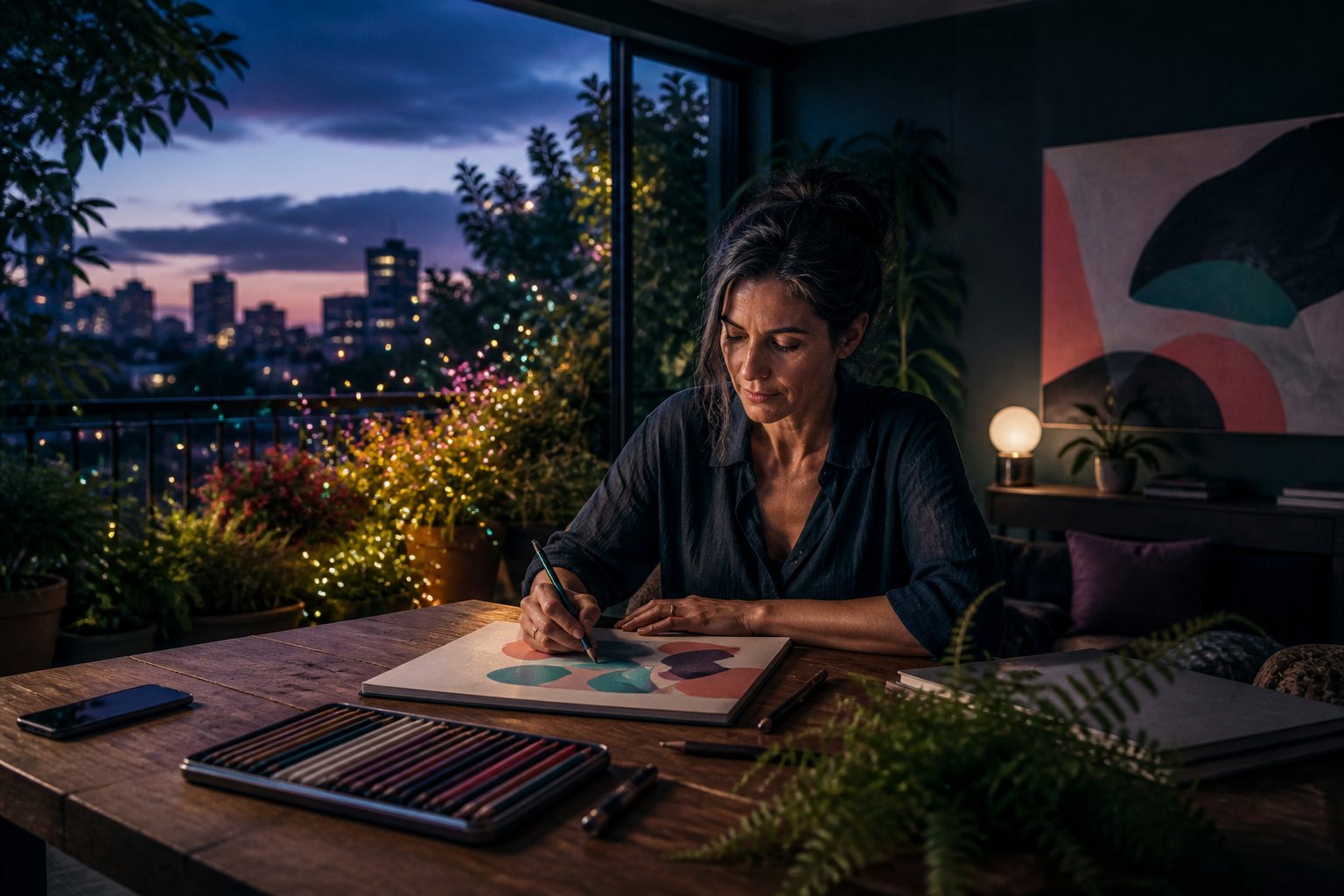
Direct sunlight creates harsh glare and deep shadows. Work near a bright window but keep the page out of the sunbeam. Turn off warm lamps if they mix color temperatures, and clean the lens before you begin.
Five adjustments for a clean photograph
- Place the page on a matte, neutral background.
- Move the surface near a window with indirect light.
- Turn on the phone grid if available.
- Keep the camera parallel to avoid distortion.
- Adjust exposure and crop gently; avoid filters that change the palette.
Take one close photograph of your favorite detail too. Not everything needs to become public content; the image can stay in your personal archive and remind you of a combination you want to revisit.
Practical example: correcting a blue-looking photograph
Place the page near a window and take a first photograph. If the white paper looks blue, move farther from the glass or rotate the surface so the light arrives more from the side. Tap a pale area on the screen and lower exposure slightly if the colors lose detail. Compare the photograph with the real page, then adjust only temperature, perspective and crop rather than increasing saturation until the palette changes.
Common photography mistakes
- Using digital zoom: move the phone closer to preserve detail.
- Mixing window light with a warm bulb: turn one source off to avoid difficult color casts.
- Holding the phone at an angle: the edges converge and the page becomes trapezoidal.
Make one full view and one detail
The full photograph records the composition; a second close view preserves texture, layering or one special color combination. Save both with the date and book name. You can remember the materials and decisions without needing to publish the image on social media.
Before saving the photograph: zoom into one corner at full size and check focus, glare and the phone shadow. Retaking the image now is easy; discovering later that the main detail is blurred cannot be repaired faithfully.
Frequently asked question
Should I photograph the page inside the book?
You can. Support the book without forcing the spine and correct the perspective; if the page is removable, a flat surface makes an even result easier.

Be the first person to leave a little trace of color here.